1.安装 v2rayA
1
2
3
4
5
6
7
|
# 添加 v2rayA 仓库
curl -fsSL https://apt.v2raya.org/key/public-key.asc | sudo gpg --dearmor -o /etc/apt/trusted.gpg.d/v2raya.gpg
echo "deb https://apt.v2raya.org/ v2raya main" | sudo tee /etc/apt/sources.list.d/v2raya.list

# 安装 v2rayA
sudo apt update
sudo apt install v2raya
|
2.安装 V2Ray/Xray 核心
1
2
3
4
5
|
# 安装 V2Ray 核心
sudo bash -c "$(curl -L https://raw.githubusercontent.com/v2fly/fhs-install-v2ray/master/install-release.sh)"

# 或安装 Xray 核心(推荐)
sudo bash -c "$(curl -L https://github.com/XTLS/Xray-install/raw/main/install-release.sh)"
|
3.启动服务
1
2
3
4
5
|
# 启用并启动服务
sudo systemctl enable --now v2raya

# 检查服务状态
sudo systemctl status v2raya
|
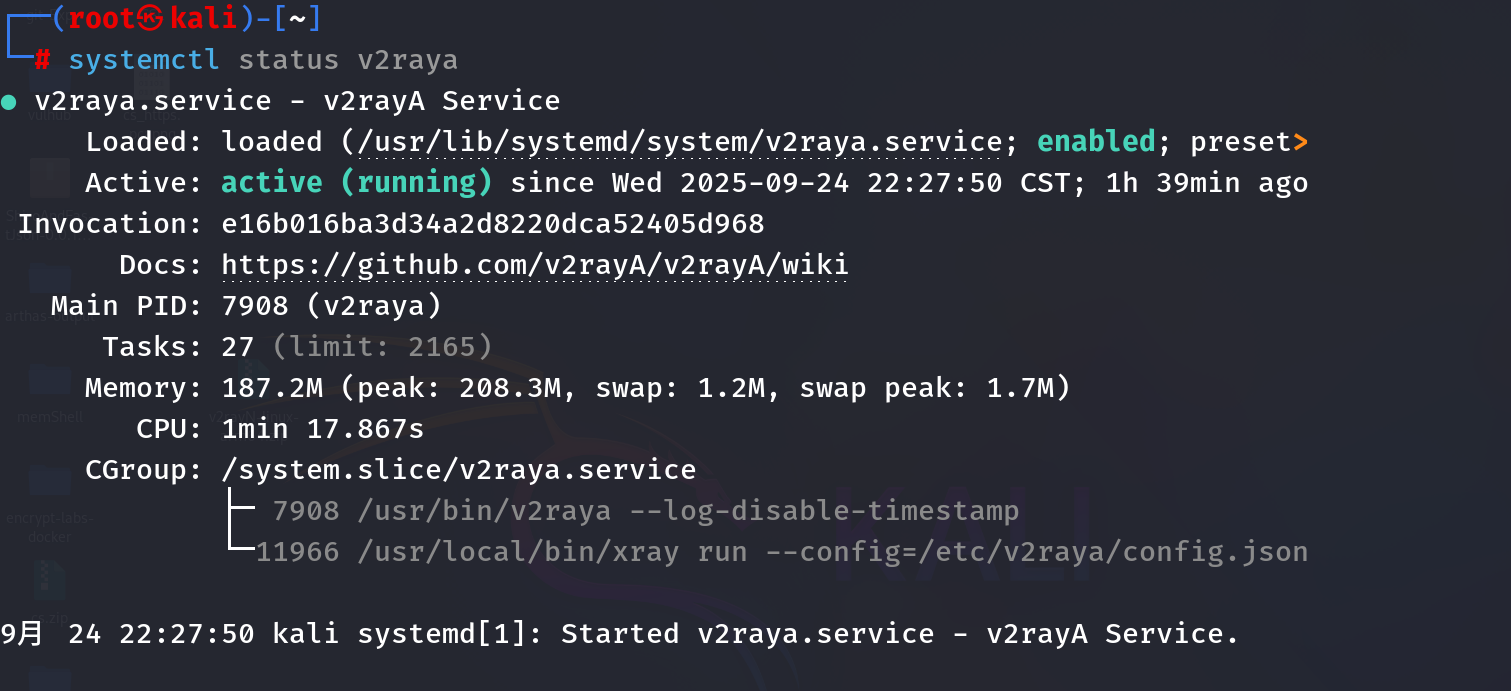
4.访问 Web 管理界面
- 浏览器打开:
http://localhost:2017
- 首次访问需要设置管理员账号密码(无默认凭证)
5. 关键配置步骤
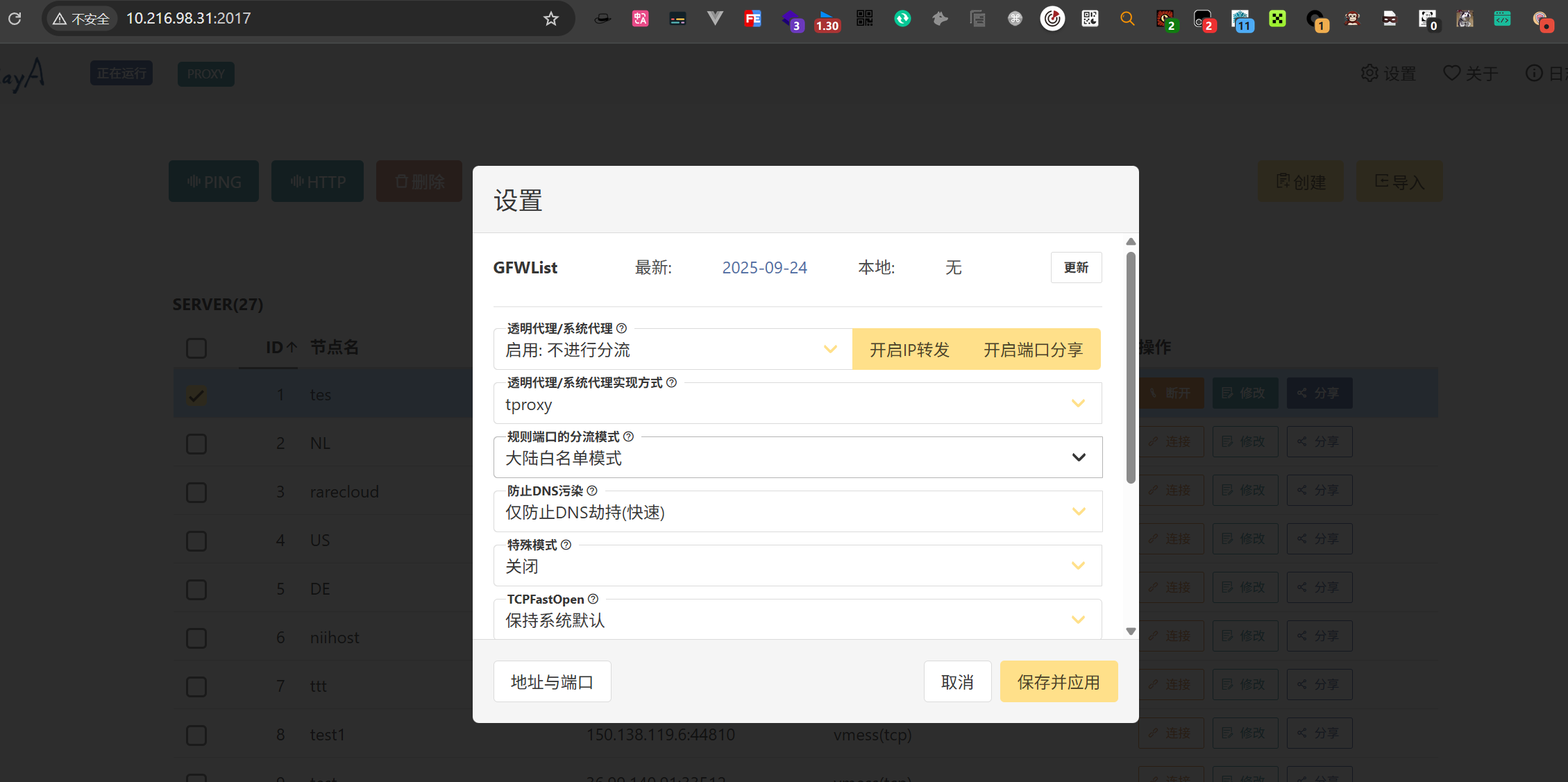
- 进入设置 → 透明代理
- 修改实现方式:将
system proxy改为 tproxy或 iptables
- 启用功能:
- 代理模式:选择"启用: 不进行分流(全局代理)
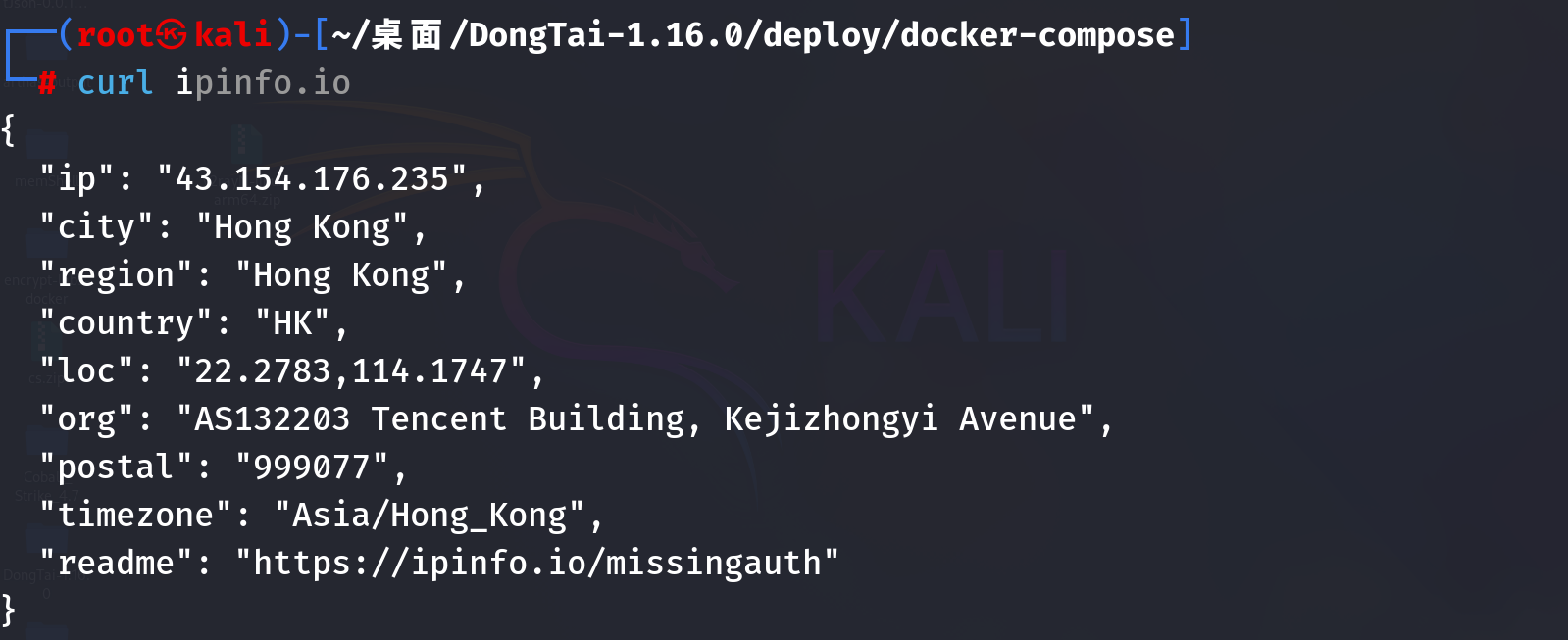
在启动代理时,可能会遇到这个错误,不要设置成系统代理即可